Vinted Bumps: what they do and when they are worth it
A Bump is a paid push for one item. It gets more people to see it for a few days. Here is how it works, what it costs, and how to tell if it is worth your money.
A Bump puts one item higher in the feed and in search results for 3 or 7 days, or until it sells. The price depends on the item's price and the number of days, and you see it before you pay. It brings more eyes, not a better listing, so fix the price and the photos first.
What a Bump does
A Bump is a paid extra you add to one listing. For 3 or 7 days in a row, the item appears higher in members' newsfeeds and in search results. If it sells sooner, the Bump stops there.
Vinted shows bumped items to the members most likely to want them, based on what they like. While the Bump runs, your profile shows how many people viewed and interacted with the item. Source: What is an item Bump?
A Bump works in your registered country. You cannot choose other countries for it.
How Vinted sets the price
There is no single price for a Bump. It depends on two things: the price of your item and whether you pick 3 or 7 days. The amount, with VAT included, is shown at checkout, and you get a confirmation by email. Source: Vinted price list
Once a Bump is running, you can lower the item's price but you cannot raise it. If you lower it, the Bump still costs what you paid. You get nothing back for the difference. So set the price you really want before you bump.
One Bump covers one item. You cannot move it to another item or give it to another member, and you cannot stack two Bumps on the same item. There is no limit on how many items you bump.
How to buy one
Go to your listings, press Bump under the item, and pay at checkout. You can also buy a Bump while you create a new listing, with the Pay now step before the listing goes live.
If Vinted removes the item because it breaks the Catalogue Rules, the Bump is not refunded. Source: Buying an item Bump
What a Bump will not fix
A Bump sends more people to your listing. It does not change what they find there. If the price is above what similar items sell for, more people will look and move on. If the photos are dark or the size is missing, the same thing happens.
Vinted's own advice is to update the price, photos and description before you bump. For the price, it suggests searching the catalogue for similar items and gives a rough guide by condition: 60% to 80% of the retail price for new or like new, 40% to 60% for very good, 20% to 40% for good or satisfactory. Source: Choosing the price for your item
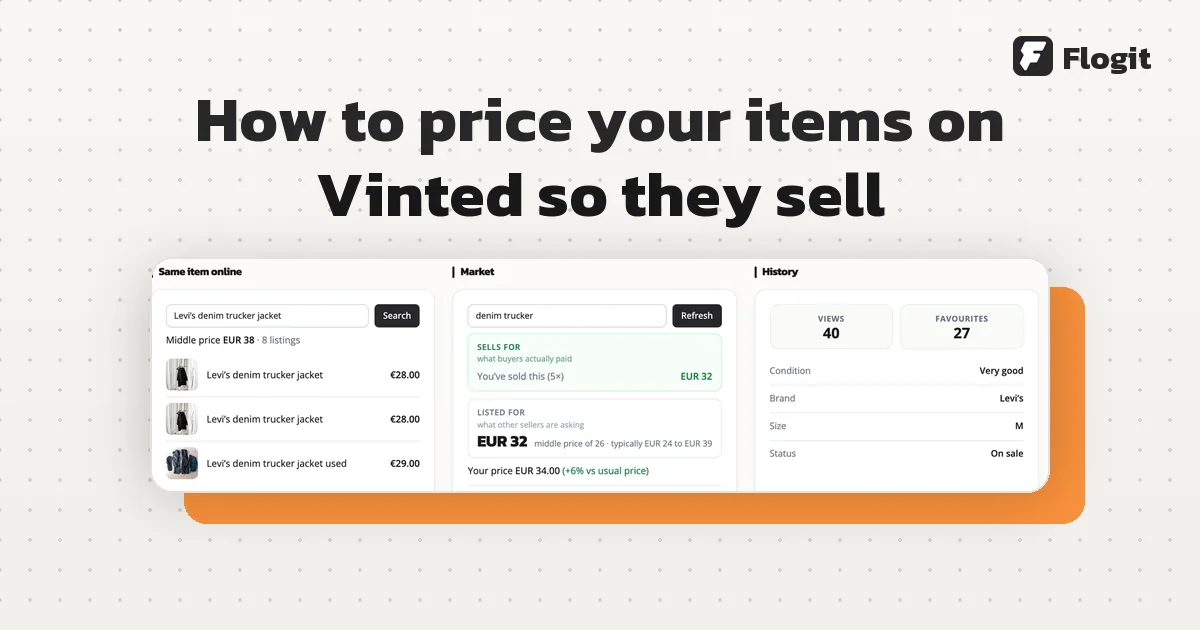
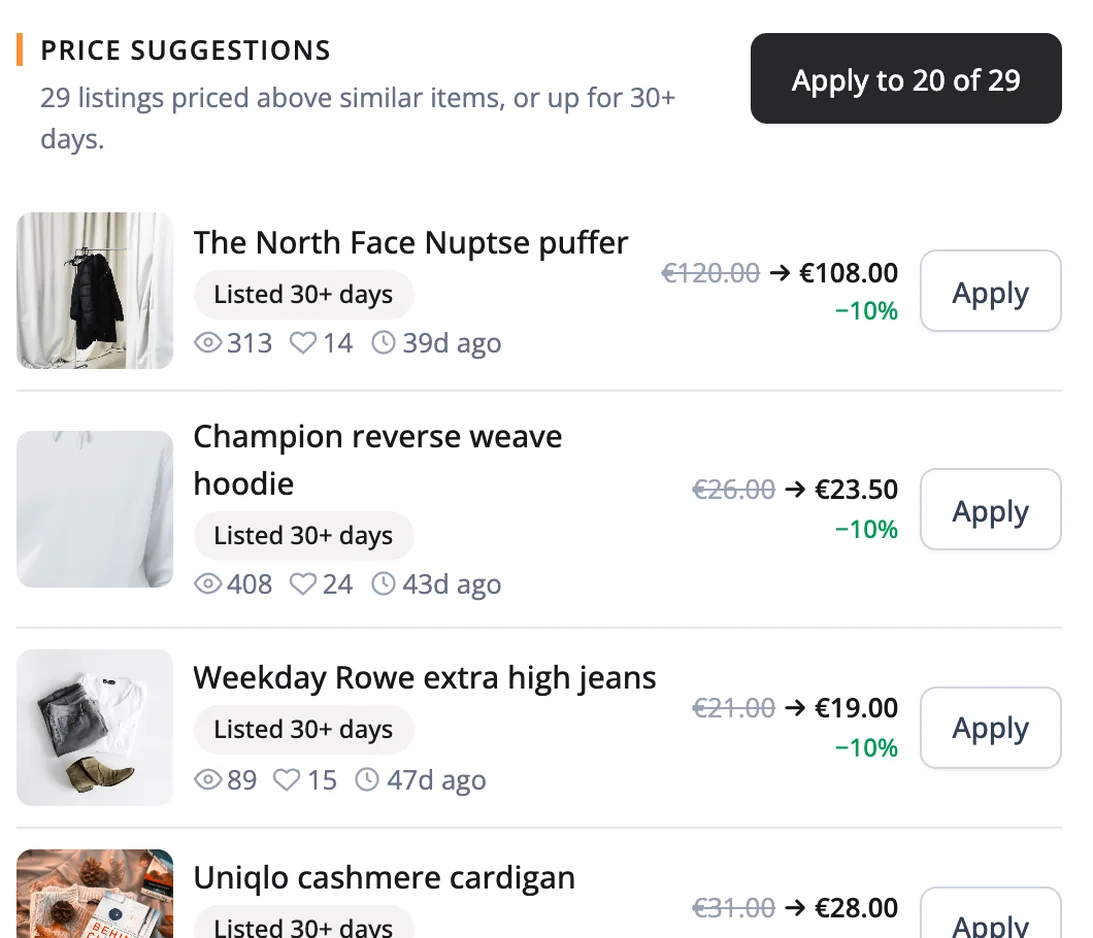
A simple sign: if an item already gets views and favourites but no offers, the problem is usually the price, not how many people see it. We explain how to check a price in market prices.
When a Bump is worth it
Look at the Bump price at checkout and compare it with what you will actually keep from the sale. That is the item price minus what the item cost you.
Say you sell a 6 EUR T-shirt that cost you 2 EUR. You keep 4 EUR. A Bump that costs close to that leaves you with almost nothing, even if it works. Now take a 60 EUR coat that cost you 15 EUR. You keep 45 EUR, so a Bump at the same cost is a small share of it, and a quicker sale may be worth that.
A Bump tends to make sense when:
- the item is worth more than a few euros and your profit on it is clear;
- the price is in line with what similar items sold for;
- the photos are sharp and the listing has the size, brand and condition;
- the item is for the season people are buying for now;
- you would rather sell it this week than wait.
It rarely makes sense on very cheap items, or on a listing you already know has a problem.
Showcase: the other paid option
Showcase, once called Wardrobe Spotlight, promotes all your listings at once. Members may see it in their newsfeed and in search results. It shows up to 15 of your items that each member is most likely to buy, and they can follow you with one press.
| Bump | Showcase | |
|---|---|---|
| What it pushes | One item | Your whole wardrobe |
| How long | 3 or 7 days | 7 days |
| Price depends on | Item price and days | Shown at checkout |
| You need | One live listing | At least 5 listings |
You need at least 5 items listed to buy it. It starts straight away and lasts 7 days in a row. The fee is shown at checkout. Source: Showcase
Showcase suits a wardrobe with many items in the same style or size. A Bump suits one good item you want to move.
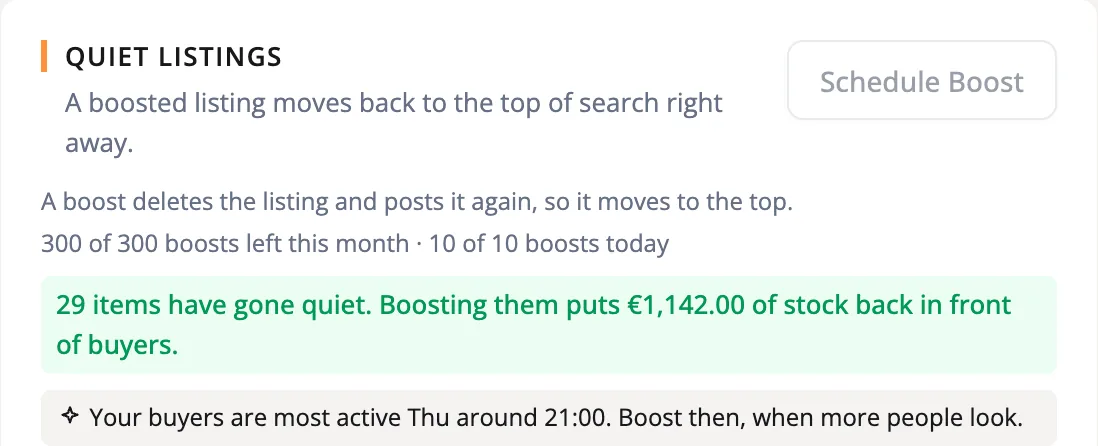
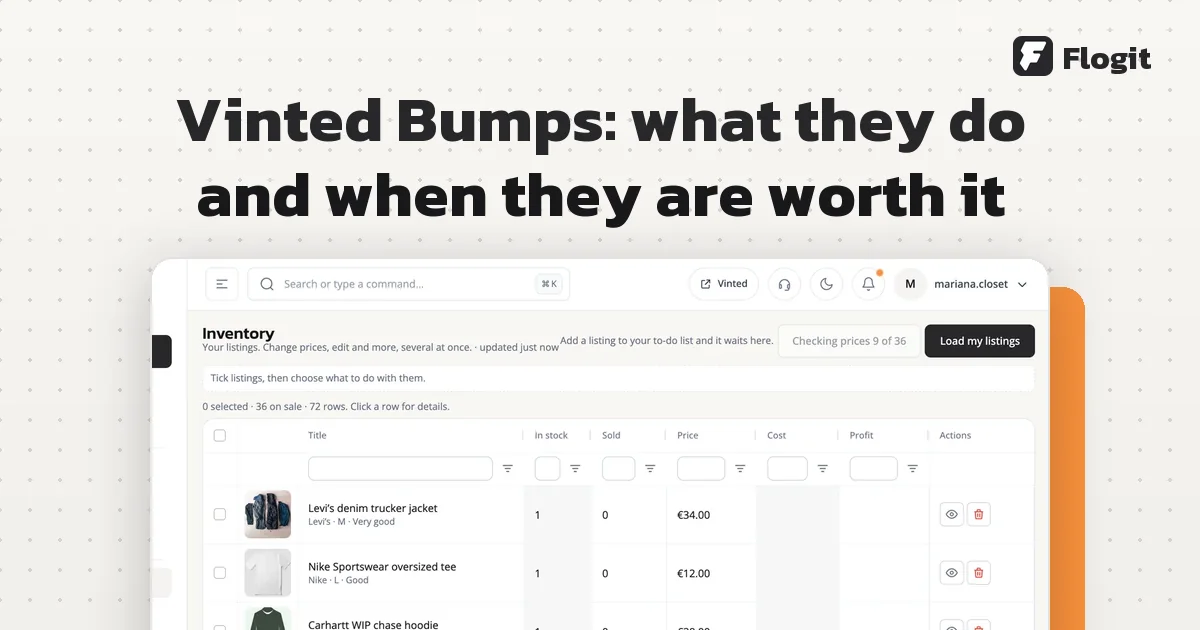
Flogit's Boost moves one listing to the top by posting it again, with the same photos and text. Its favourites and views start from zero. You can boost one listing with the button, schedule several at once while the app is open, or turn on a daily Boost for your oldest quiet listings in Automations. It is not a Vinted Bump. It also shows what each item cost you, so you can see if a paid Bump still leaves a profit.